How to Buy and Sell Crypto Using MKX Wallet
Cryptocurrency is becoming more popular every day, and MKX is a great platform to start trading. One of the key features of MKX is its easy-to-use wallet, which allows you to buy, sell, and store cryptocurrencies securely. In this guide, we will explain how to use the MKX wallet to buy and sell cryptocurrency step-by-step.
What is the MKX Wallet?
The MKX wallet is a digital wallet built into the MKX platform. It lets you store your cryptocurrencies safely and manage your funds all in one place. You don’t need a separate wallet because MKX creates a secure wallet for you when you open your account.
Step 1: Create and Verify Your MKX Account
Sign up on the MKX platform using your email or phone number
Complete the KYC (Know Your Customer) verification by submitting your ID documents
Fund your wallet by depositing AED or cryptocurrencies
Verification is mandatory for security and to comply with regulations, ensuring your account is safe.
Step 2: Access Your MKX Wallet
Log in to the MKX app or website
Go to the “Wallet” or “Dashboard” section
You can see your balance for different cryptocurrencies and AED
Your wallet shows all your supported tokens and your available funds clearly.
Step 3: How to Deposit Funds into Your MKX Wallet
Click on the “Deposit” button
Choose the currency you want to deposit (AED or a supported cryptocurrency)
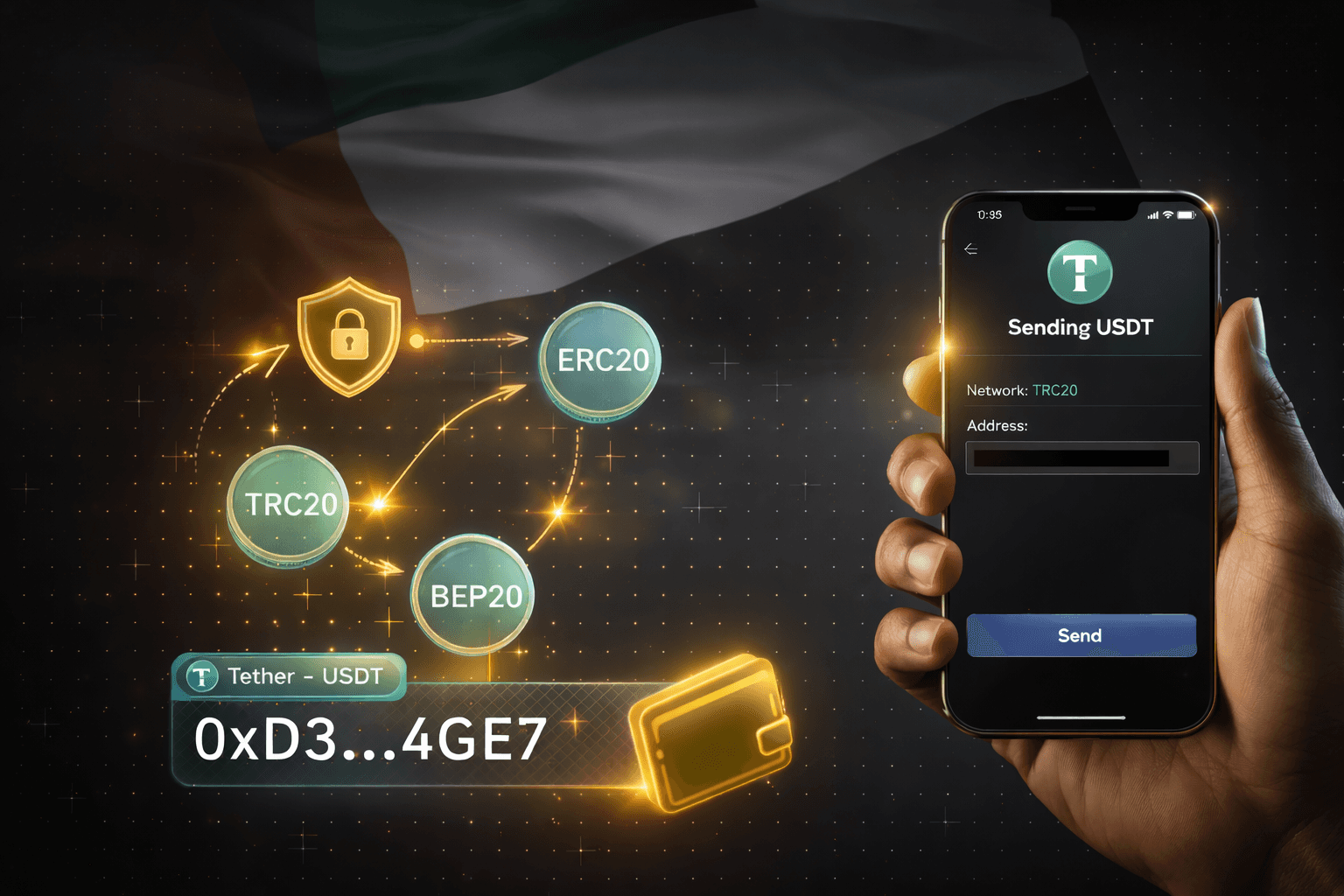
For crypto, select the token and the blockchain network
Copy your unique wallet address or scan the QR code to send funds from another wallet or exchange
Make sure to use the correct address and network to avoid losing your funds.
Step 4: How to Buy Cryptocurrency Using MKX Wallet
Go to the “Convert” section
Choose the cryptocurrency you want to buy (e.g., Bitcoin or Ethereum)
Enter the amount to spend or the amount of crypto you want to receive
Review the transaction details
Confirm the purchase
The crypto will be added instantly to your MKX wallet after the trade.
Step 5: How to Withdraw Funds from MKX Wallet
Go to the “Withdraw” section
Select the currency to withdraw
For crypto, enter the destination wallet address carefully
For AED, link your bank account if not done yet
Enter the amount and confirm the withdrawal
Withdrawals may take time depending on network or bank processing times.
Important Tips When Using MKX Wallet
Always double-check wallet addresses before sending funds
Complete your KYC verification for full access and security
Keep your login details and 2FA secure to protect your account
Review MKX’s fee schedule to understand any costs involved
Use the “Transactions” tab to track all your activity
Why Choose MKX Wallet?
Secure Storage: MKX uses institutional-grade security to protect your funds
Multiple Assets: Store and trade many popular cryptocurrencies in one place
Instant Conversions: Buy and sell crypto quickly with real-time prices
Easy to Use: Intuitive interface for beginners and experienced traders
Regulated Platform: MKX complies with VARA regulations, ensuring safety and trust
Using the MKX wallet makes buying and selling cryptocurrency straightforward and safe. Whether you’re new to crypto or an experienced trader, MKX provides the tools you need to manage your digital assets confidently.